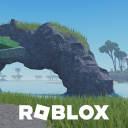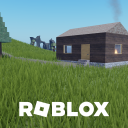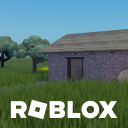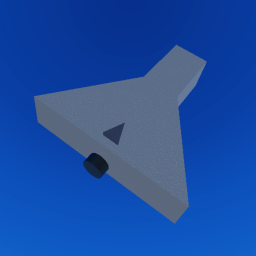
Build creative, engineering-level projects. With logic gates. HOW TO PLAY Click: Select any gate on UI. E: Start Placing F: Finish Placing Q: Cancel / Back X: Delete G: Interact 1, 2, 3, 4, 5, 6: Fast Place Keybinds ADVANCED CONTROLS CTRL: Multi-Select (Press CTRL again on an item to deselect) CTRL + C: Copy Selected CTRL + V: Paste CTRL + X or X: Delete Selected M: Move Selected Q: Deselect All (Clear Selection) ⚠️ IMPORTANT: MANUAL SAVE REQUIRED! Your progress is NOT automatically saved when you exit. To save your work before leaving: Open the save and load menu. Click on an "Empty Project" to save your project.
Open to everyone
View activity details →
Original publication date
As reported by Roblox
Thumbnail, name, description, and access-price changes only.
No competitor-level changes tracked yet — SpawnRadar logs every thumbnail, name, price, and description change as it happens.
Similar experiences by category and audience size.
This is the live badge that the code will show on your site.
<iframe src="https://www.spawnradar.com/widget/6522814234" width="320" height="140" frameborder="0" title="SpawnRadar live players" loading="lazy"></iframe>Get an alert the moment Logic Blok changes its thumbnail, price, name, or ships an update — so you never get blindsided by a competitor. Revenue figures are transparent estimates; see our methodology.
Start tracking freeSpawnRadar is not affiliated with, endorsed, sponsored, or approved by Roblox Corporation. "Roblox" and "Robux" are trademarks of Roblox Corporation.