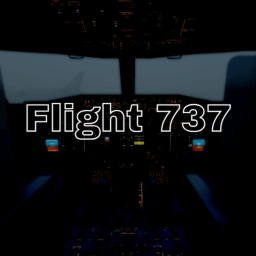
Flight 737 — Live Player Count & Stats
Welcome to the best 737 cockpit and flight experience on Roblox. Join our group to play : https://www.roblox.com/communities/1069517510/Bullseye-Dynamics#!/about --Controls-- Left Mouse Button to interact with switches. (forward) Right Mouse Button to interact with switches. (back) X to switch between cameras. Right Mouse Button to unlock mouse cursor. (On empty areas) Hold Middle Mouse Button while mouse locked to move head. Z to reset the cockpit camera to the center. C to take control off plane. J to pushback F to use flaps R to use spoilers T to use reverse thrust (both) G to use gears --Credits-- Aegis (Scripter/Animator) 17kkeremx (Texture/Livery/Sounds) SouFLY_0 (Texture/Livery) ZeroTech (B737-700 Model) SkyTech (Base flight model) Hikami3150 (Boeing 737-800 Cockpit) -- Important Note : We recommend you to watch tutorial videos to fly this plane. Shutdown = Update Quality is life... By : Bullseye Studios